Design Your Personal Appointment Planner
Stay organized and stylish with our Personal Appointment Planner Interior. This versatile tool is perfect for anyone looking to manage their time effectively while adding a personal touch. Whether you're a busy professional, a creative entrepreneur, or simply someone who values organization, this planner is designed to meet your needs.
What Makes Our Planner Unique?
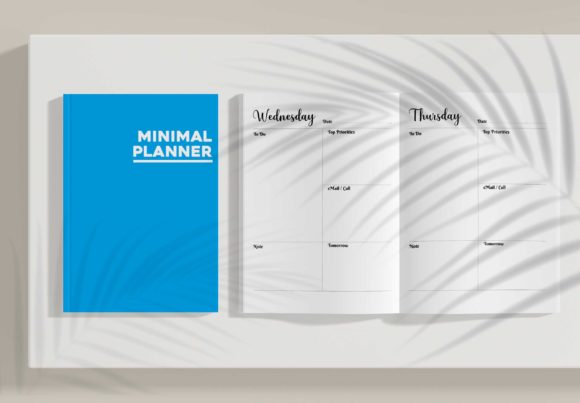
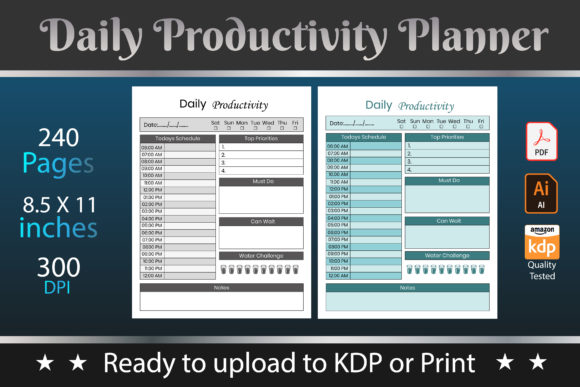
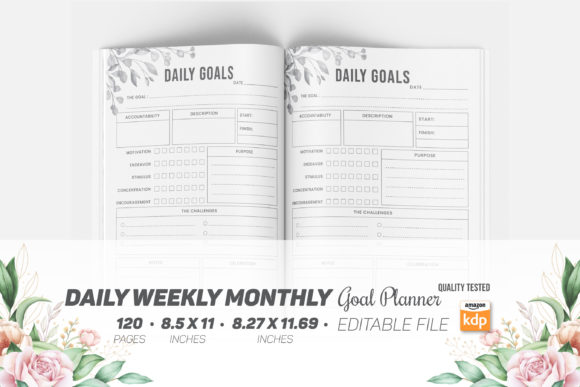
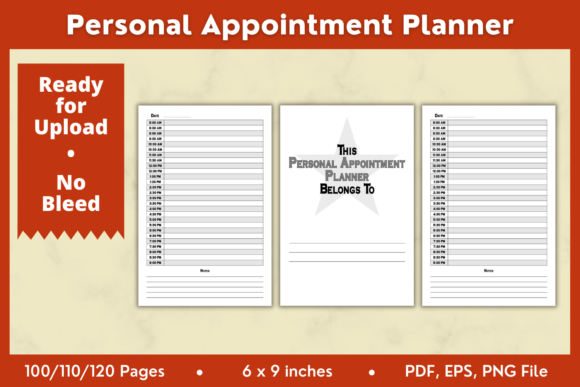
Our Personal Appointment Planner Interior comes in three formats—PDF, PNG, and EPS—making it incredibly flexible. The download includes 3 PDF files (100, 110, and 120 pages), 1 PNG file, and 1 EPS file, all ready for direct upload or editing. Each format is optimized for high-quality printing at 300 DPI, ensuring your planner looks professional and polished.
Creative Possibilities and Applications
The Personal Appointment Planner Interior offers endless creative possibilities. Here are some ways you can customize and use it:
- Custom Themes: Tailor the planner to your style by adding custom themes. Use colors, patterns, and fonts that reflect your personality or brand.
- Project Management: Use the planner to keep track of multiple projects. Assign different sections for various tasks and deadlines, making it easier to stay on top of your workload.
- Event Planning: Perfect for event planners, this tool can help you organize every detail of an event, from vendor contacts to timelines and checklists.
Adapting for Different Goals and Audiences
Whether you're a designer, marketer, or small business owner, the Personal Appointment Planner Interior can be adapted to suit your specific needs. Here’s how different users can benefit:
- Creators and Designers: Use the EPS and PNG files to create unique designs and layouts. Add your own graphics and illustrations to make the planner truly one-of-a-kind.
- Marketers and Bloggers: Keep track of content calendars, social media schedules, and marketing campaigns. The planner can help you stay organized and meet your publishing deadlines.
- Entrepreneurs and Small Business Owners: Manage your business appointments, client meetings, and financial records. The planner can serve as a comprehensive business management tool.
Practical Tips for Effective Use
To get the most out of your Personal Appointment Planner Interior, follow these practical tips:
- Set Clear Goals: Before you start using the planner, define your goals. Whether it's improving time management, tracking project progress, or organizing events, having clear objectives will help you stay focused.
- Consistent Updates: Make it a habit to update your planner regularly. Consistency is key to maintaining an effective schedule and staying on top of your commitments.
- Prioritize Tasks: Use the planner to prioritize your tasks. Highlight important deadlines and appointments, and break down larger projects into manageable steps.
Editing and Customization
The Personal Appointment Planner Interior is fully editable, allowing you to make it your own. You can use programs like Adobe Illustrator, Affinity Designer, and more to customize the planner. Here are some ideas for customization:
- Add Personal Touches: Include your favorite quotes, photos, or motivational messages to make the planner more inspiring and personal.
- Create Sections: Divide the planner into sections based on your needs. For example, you can have separate sections for work, personal, and creative projects.
- Color Coding: Use color coding to categorize different types of appointments and tasks. This visual system can help you quickly identify and prioritize your activities.
Conclusion
The Personal Appointment Planner Interior is a powerful tool for anyone looking to enhance their organizational skills and add a personal touch to their planning. With its versatile formats and customizable features, it can be adapted to fit a wide range of needs and styles. Download your copy today and start creating a planner that works perfectly for you.
For more creative and practical products, visit our store and explore our range of low-content and design solutions.